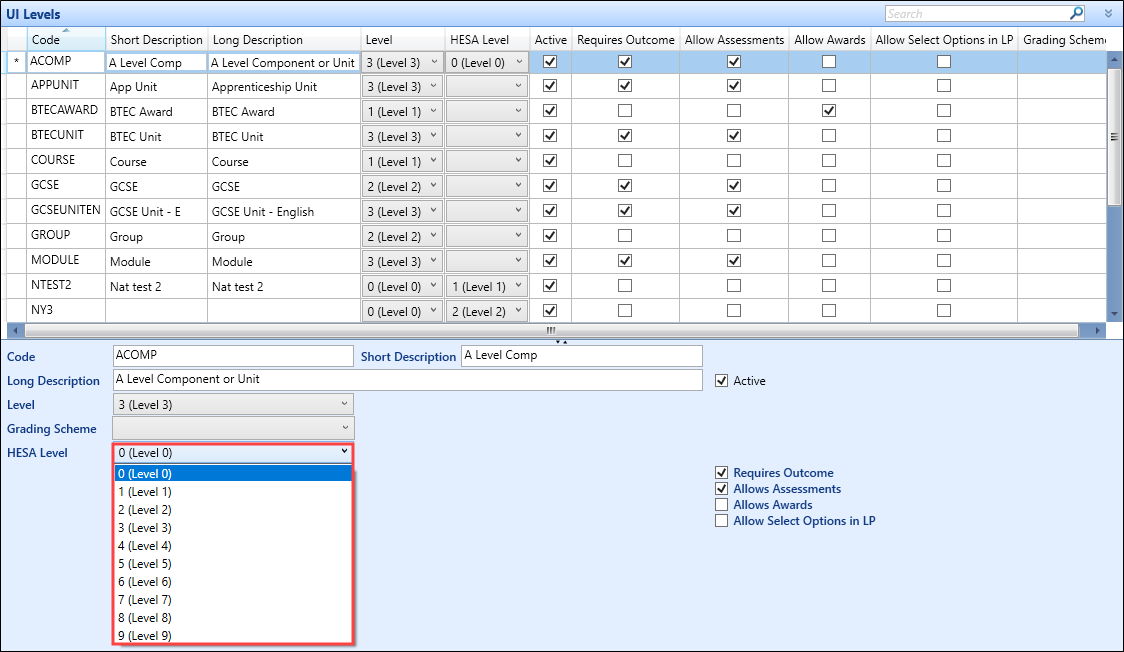
To set HESA levels:
-
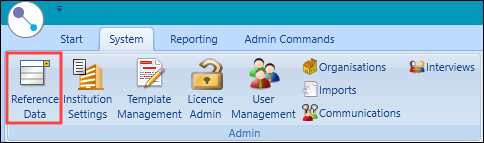
Select the Reference Data button from the System ribbon.
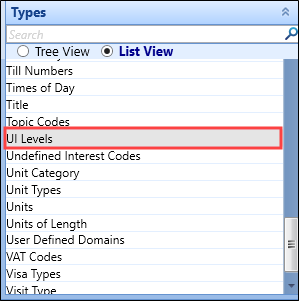
The Reference Data screen is displayed. Select UI Levels from the Types menu.
-
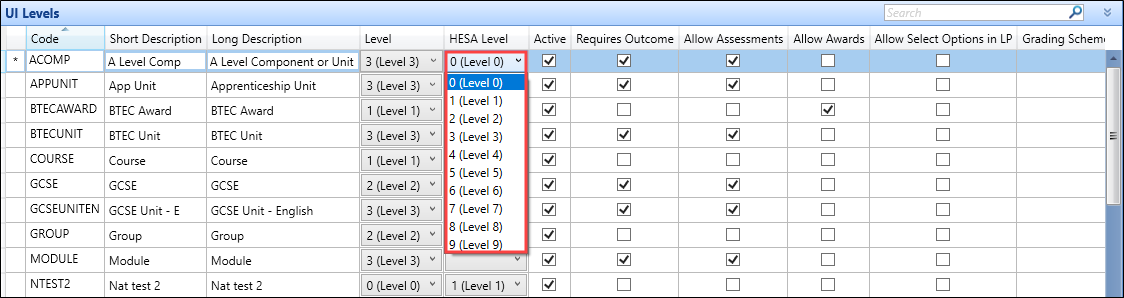
Select a row from the UI Levels grid and use the HESA level drop-down list to choose the relevant level, if required.
Alternatively, use the HESA level drop-down list to choose the relevant level.